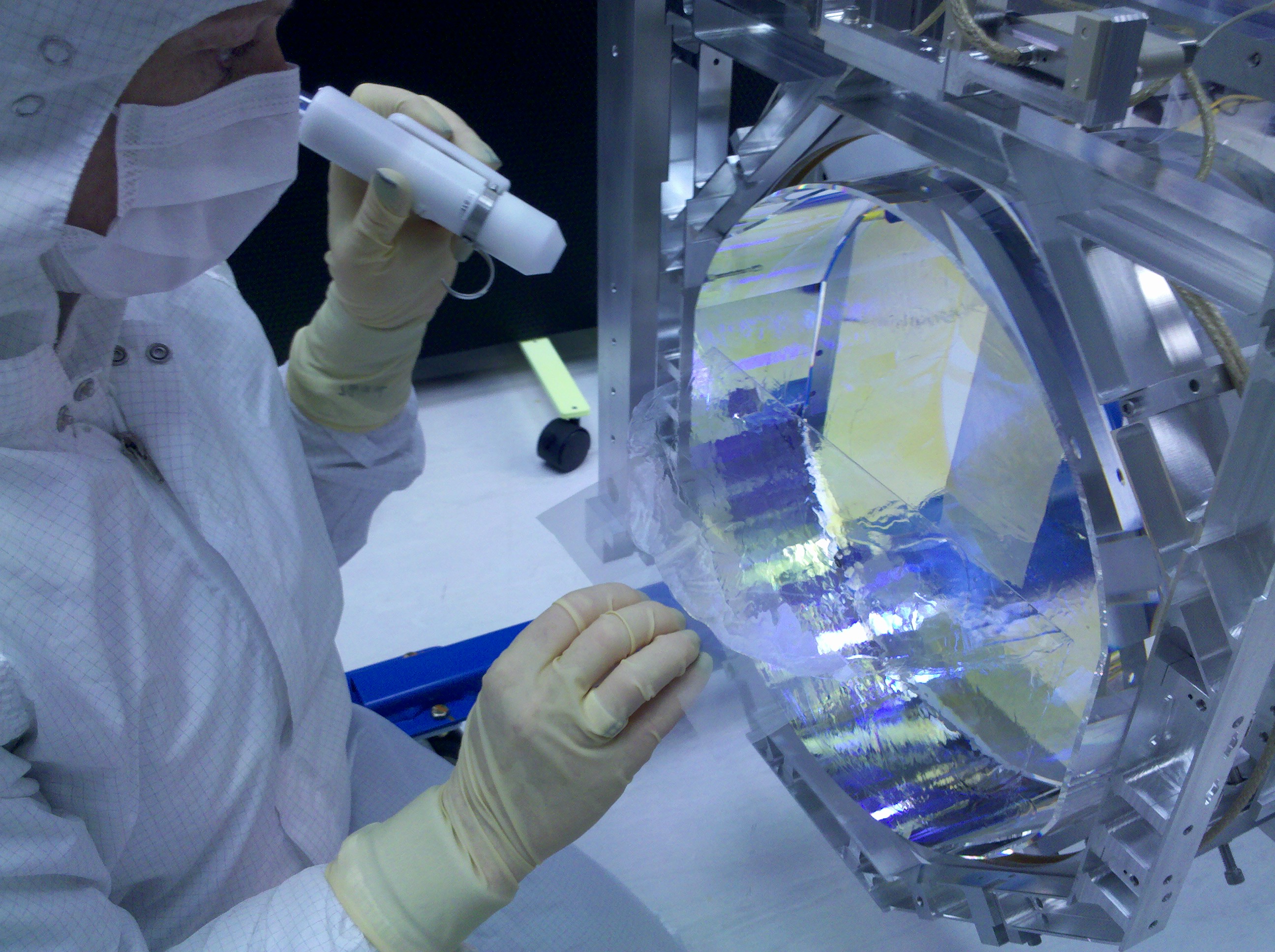
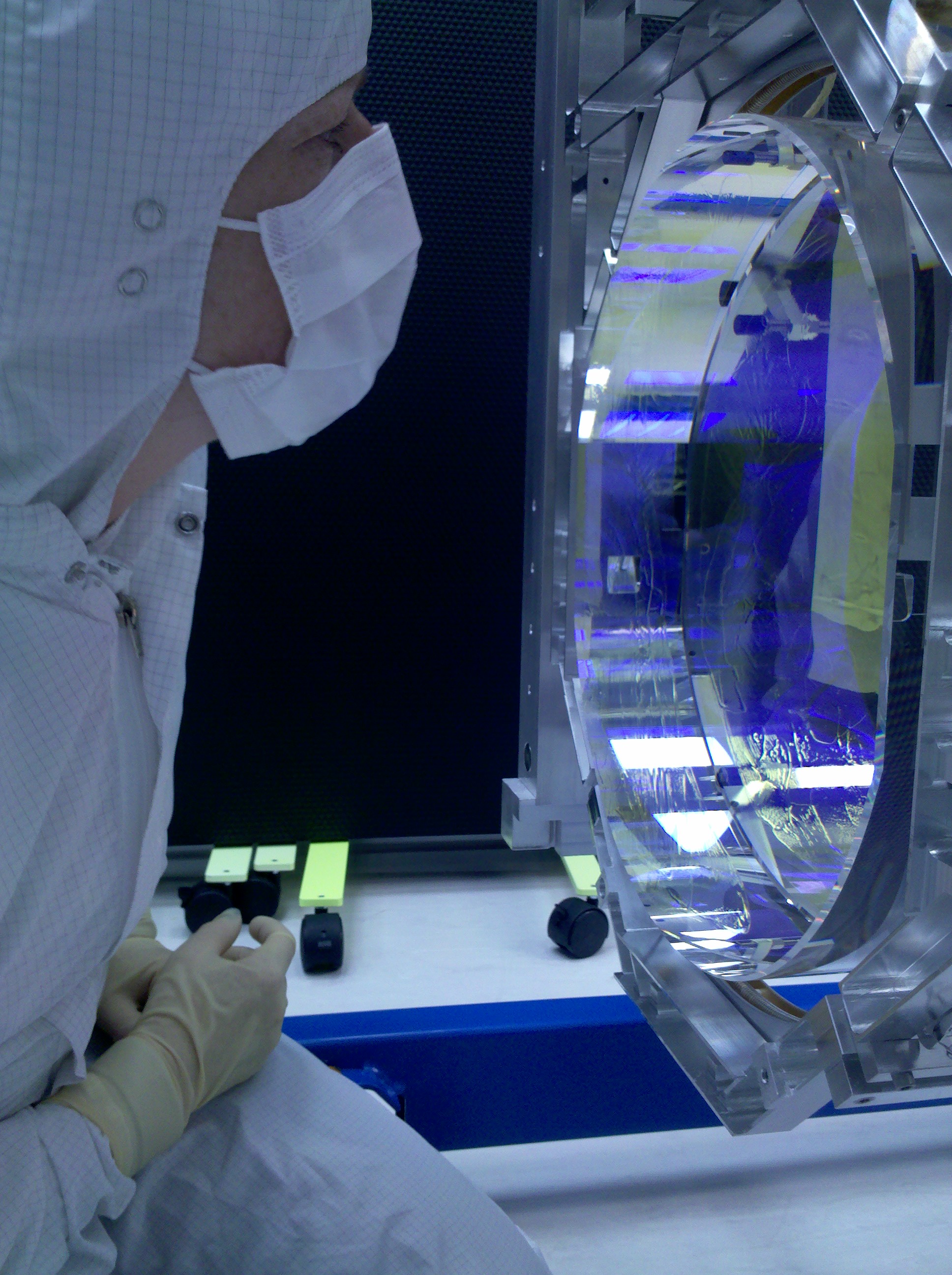
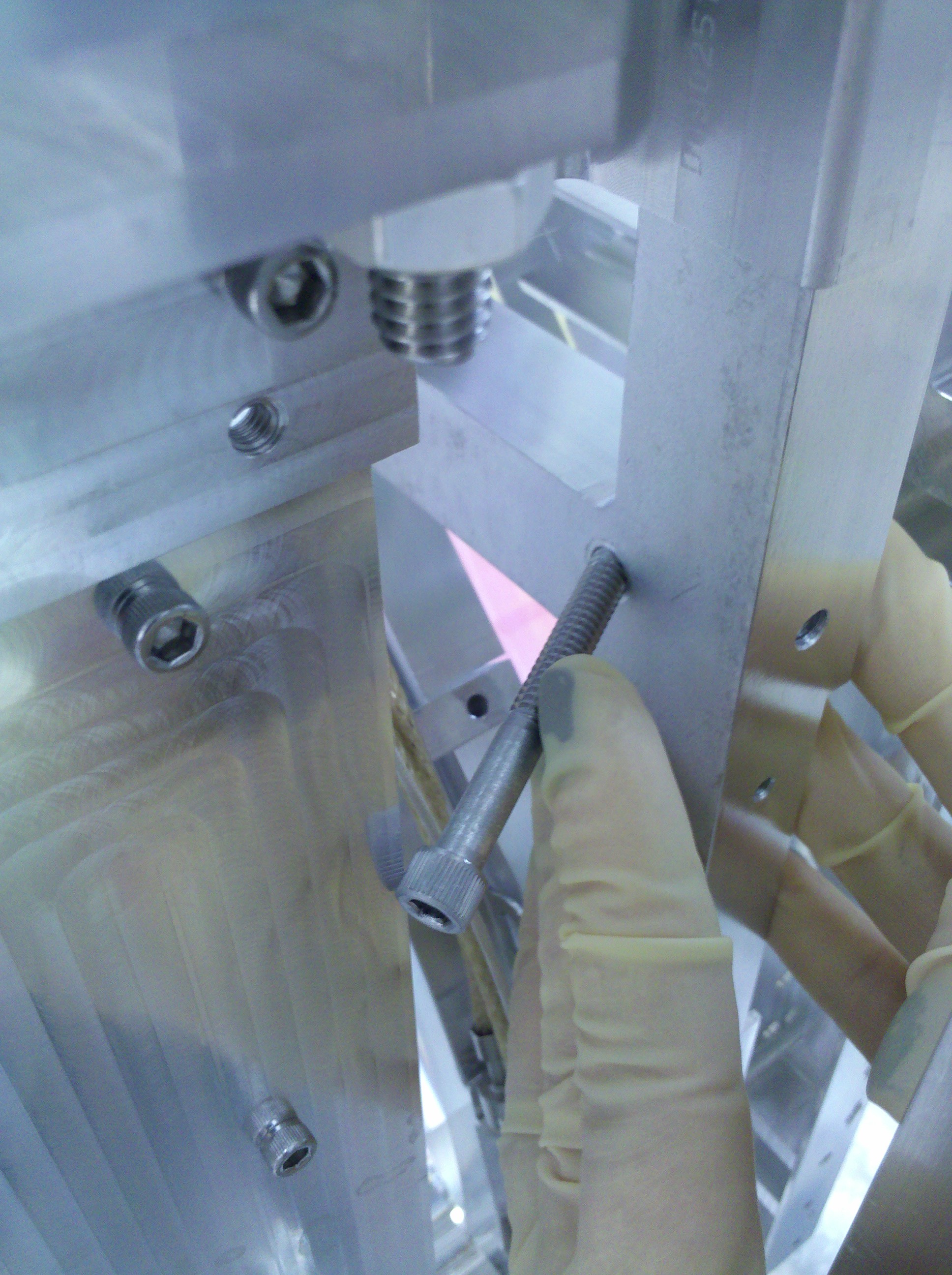
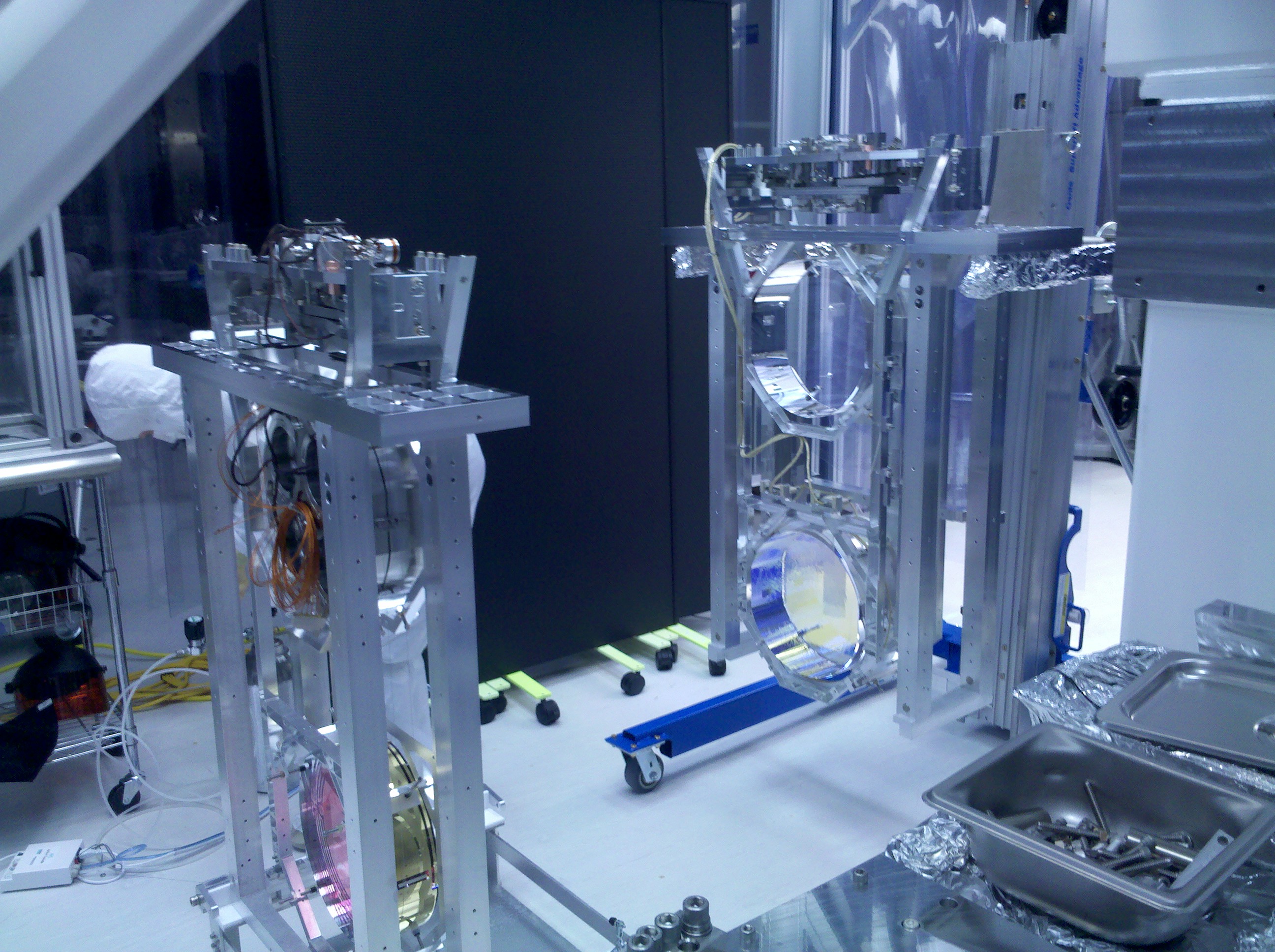
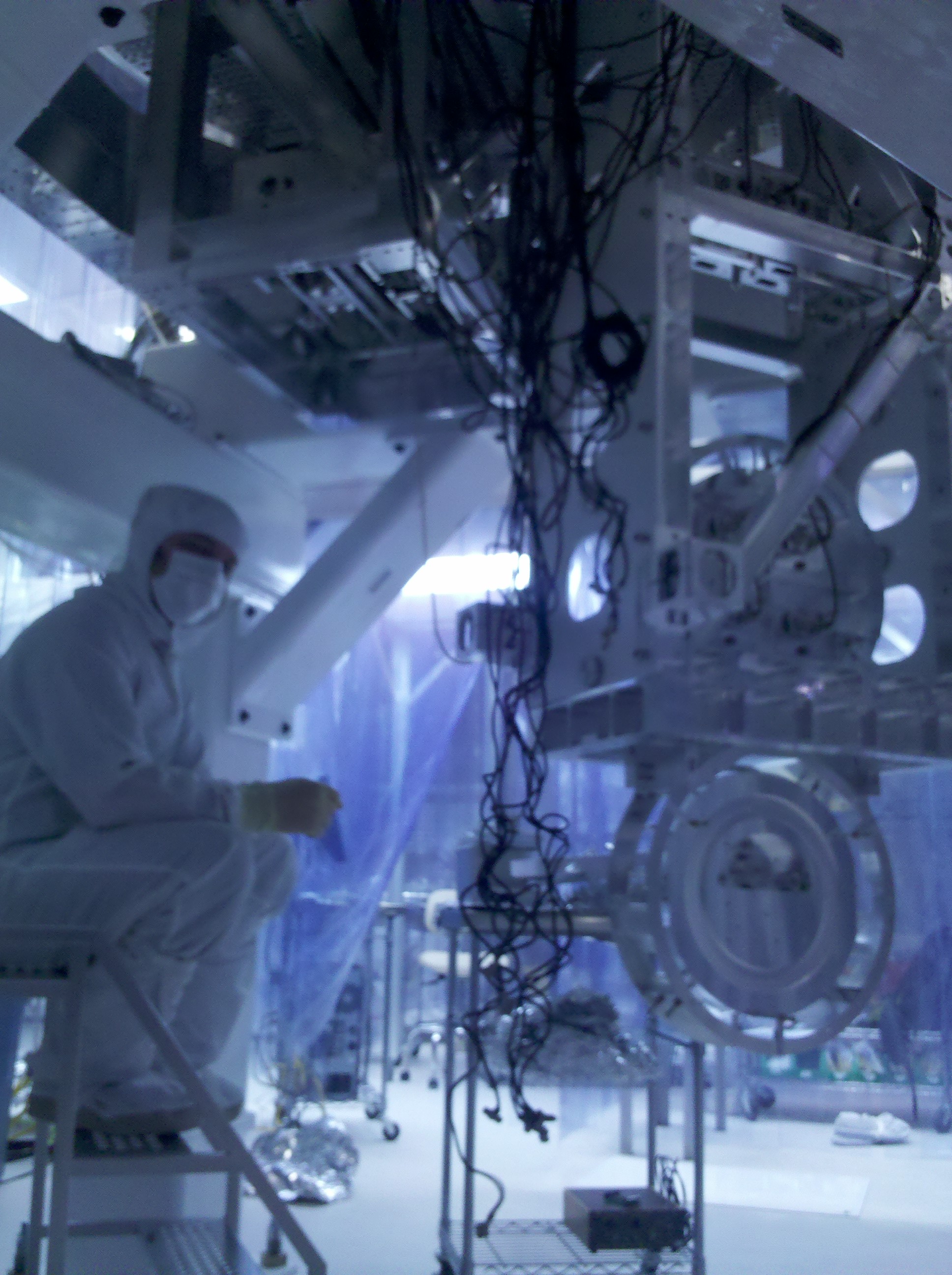
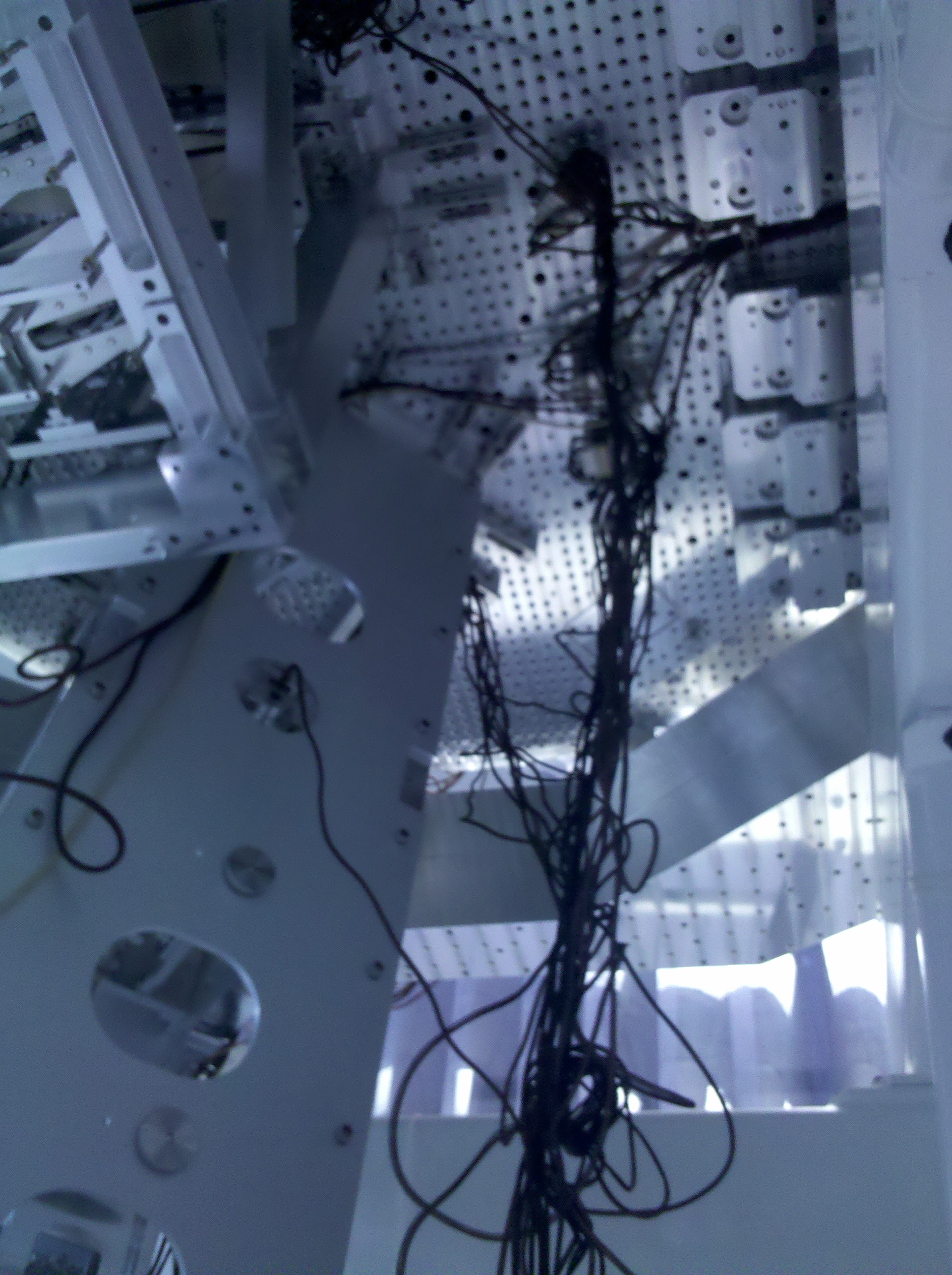
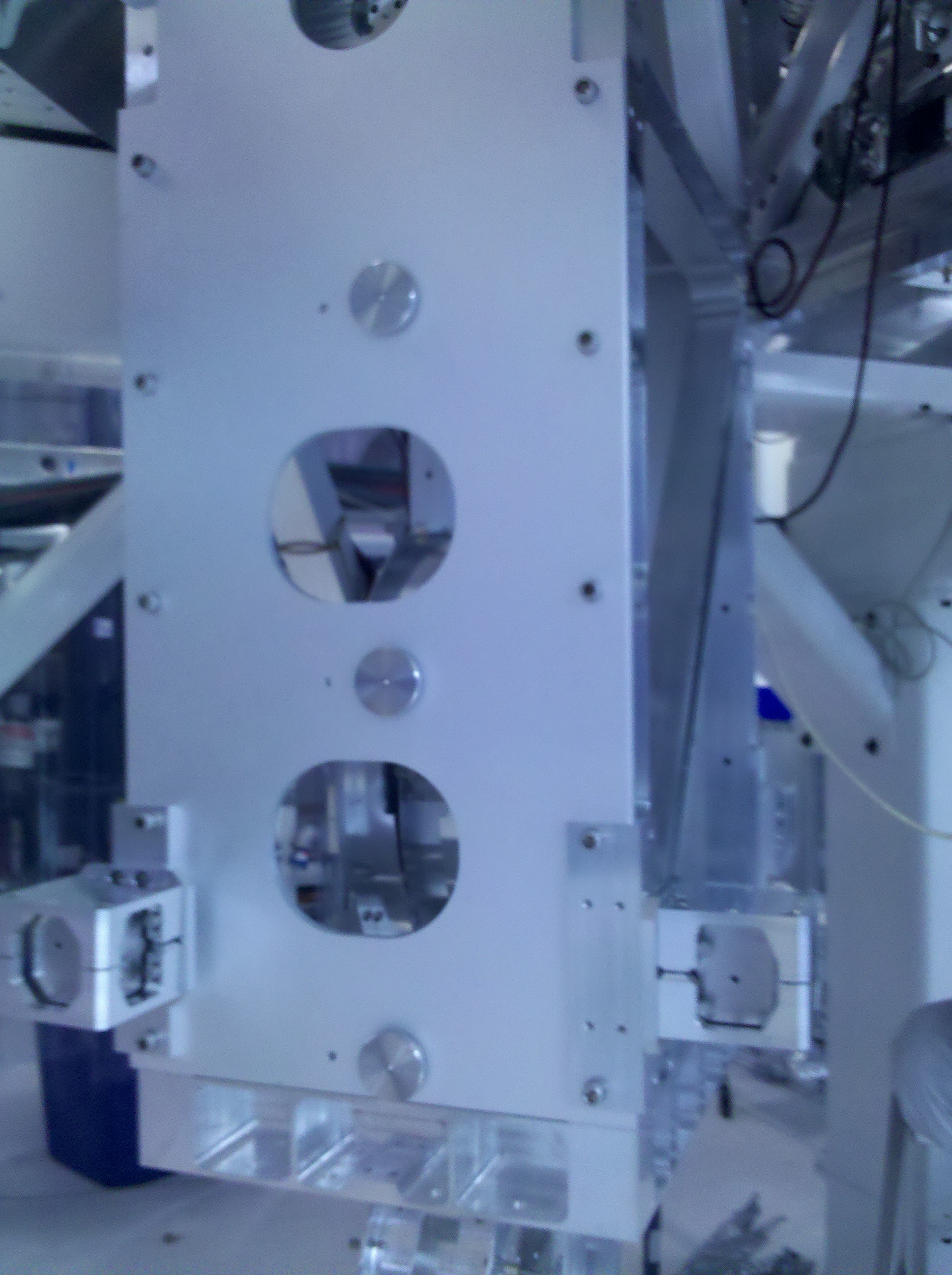
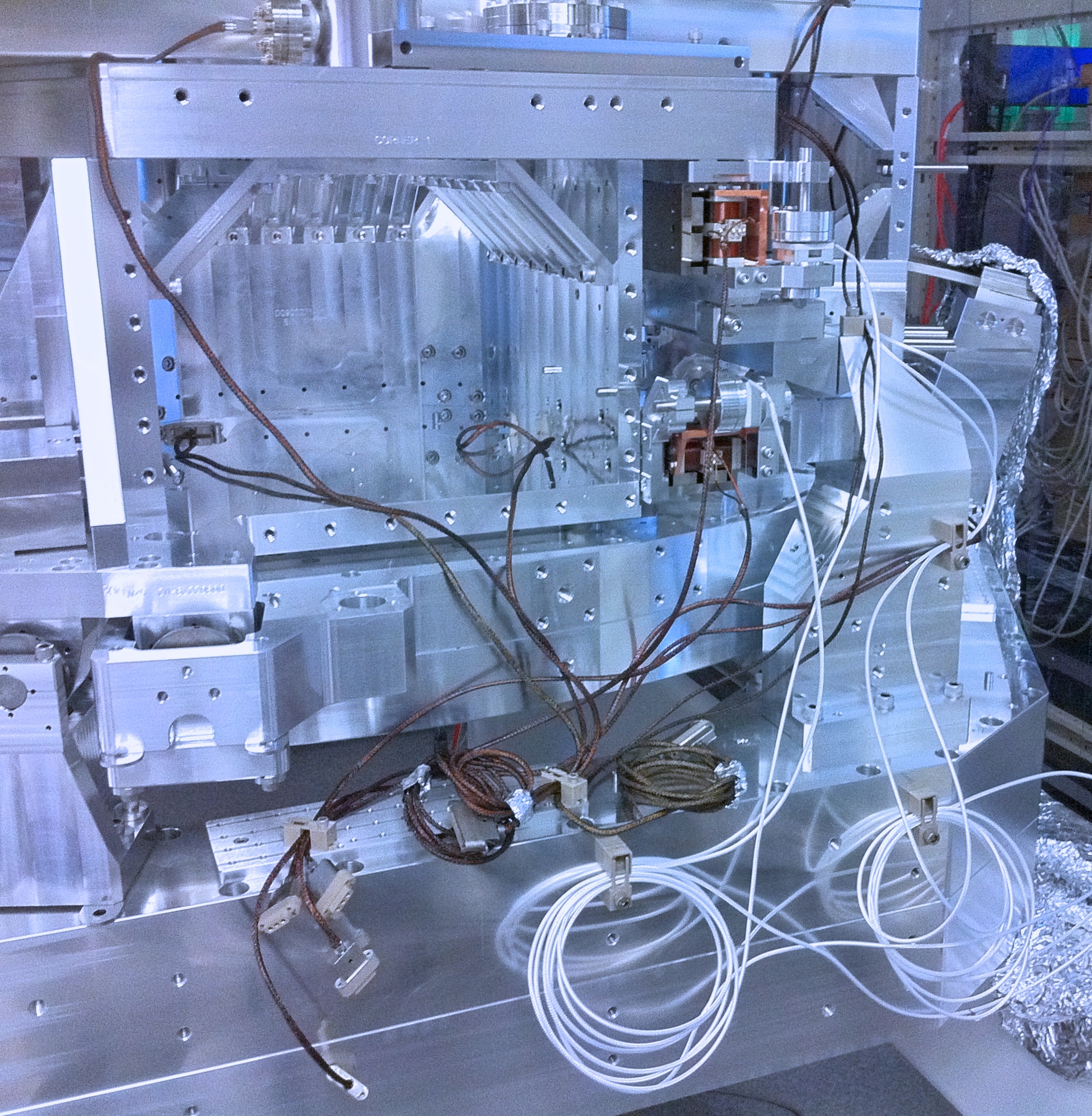
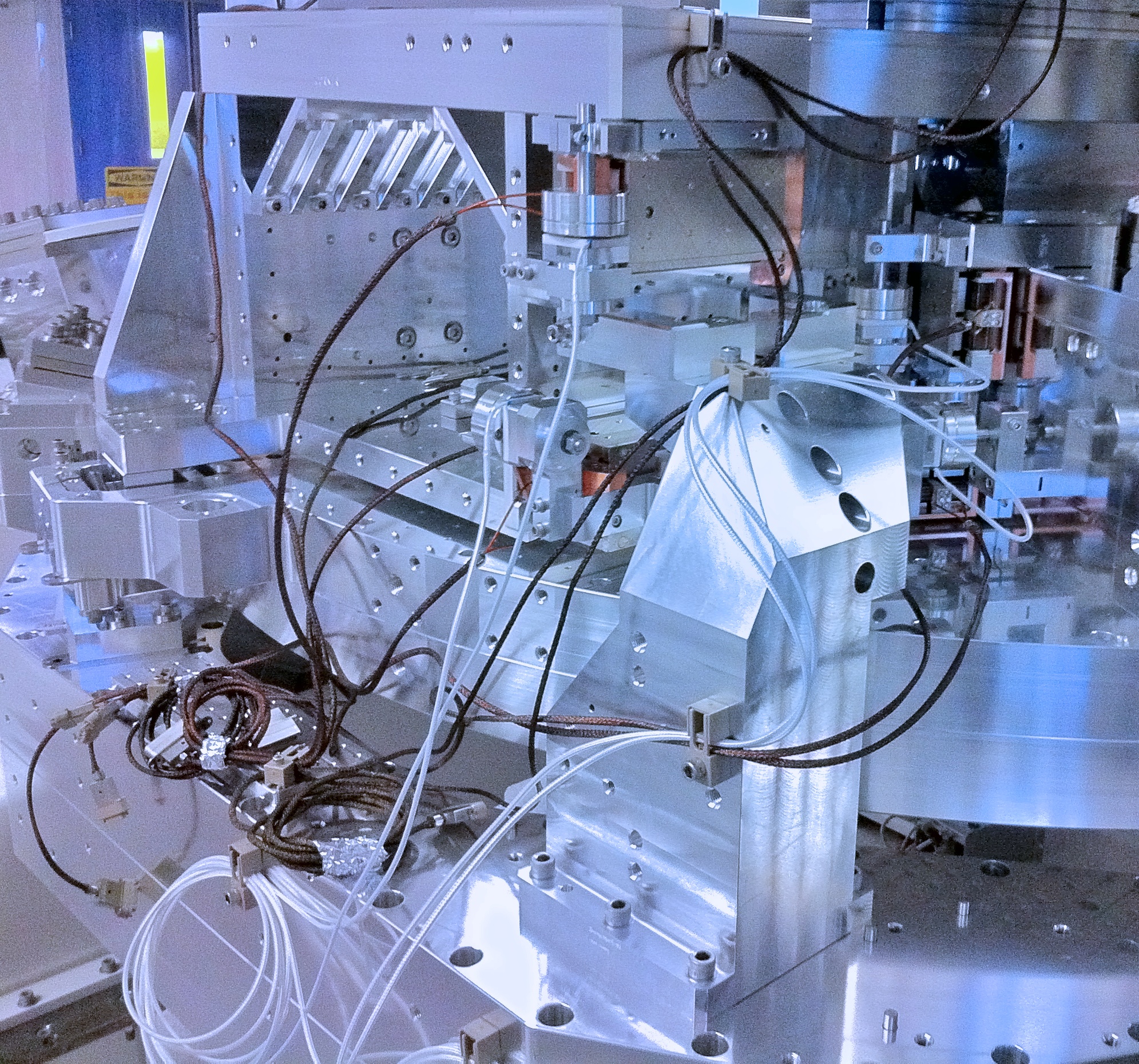
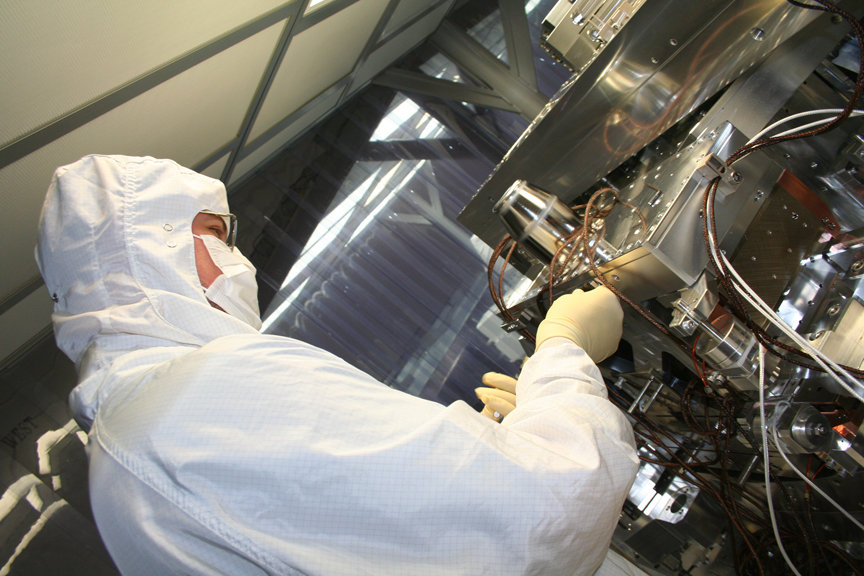
I have attached a sum up of the isolation filters installation on HAM-ISI-LHO-Unit2.
PDF version
Andres R. and I completed assembly of the first two Beam Splitter Upper Table Cloth subassemblies this afternoon. No manufacturing or design problems were encountered, (all parts fit together and all holes were of the correct size and in the right place). Assembly Notes: (1). The ECD Blocks are still a bit tight fitting in the mounting bracket. Alcohol and rocking the ECD Block helps it slide into place. When adjusting with the jacking screws, take care to keep the ECD block parallel to the face of the mounting bracket or it will jam. (2). Adjust the side plates to their full width to allow the installation of the Top Mass into the Table Cloth assembly. (3). Run the four bottom 1/4-20 Helicoils used to fasten the front and back plates to the side plates in from the bottom of the side plate to their full depth. The 1/4-20x1 SHCS used to bolt the plates together will not reach the Helicoil, if they are not installed to full depth.
On Friday 20 Aug we started an N2 purge of the Transport container in which resides the HAM ISI assembly #1. The N2 flowed at ~30 l/min for about 6hours. We dropped the flow to a few l/min for the weekend and then ramped it back to about 10 l/min for the remainder of the week. Attached is the trend of the temp/dew point/humidity of the exhaust. Purge was stopped Friday afternoon 27 August.
I will be updating the aLog today at 10:30am Pacific. Please save your entries to drafts or post them before this time. The updates will allow the following: * Tighter integration of the aLOG and the LIGO.ORG authentication method. This is a permanent fix to the problem where the author name would disappear. Your sessions will time out eventually. Work in progress will be saved to a draft, so you will not loose any data. * The thumbnails will display with the correct aspect ratio * Preliminary support is included to allow a user to edit their entry for 24hrs.
The updates to the aLOG are complete. The changes will be rolled out at LLO later on today.
In /opt/rtcds/geo/g1/medm/isiham/G1ISI_HAM_BLEND_ALL.adl, changed files loaded for filters from G1ISI_HAM_BLEND_*.adl to G1ISIHAM_HAM_BLEND_*.adl so the filter medm screens would be called when buttons were clicked on the _ALL screen. There is some confusion here as to naming... G1ISI_HAM vs. G1ISIHAM_HAM, medm/isiham vs. medm/g1isiham, and so on. Also, G1ISI_HAM_BLEND_GEOX.adl was called when it should have been ...GEOY.adl according to the label on the button. I didn't bother making a custom screen for this because the naming of directories and files needs to get resolved. This was to support Vincent in loading coefficients for filters for a test.
We are working on the implementation of the isolation loops. What we did to start: - we use the normalization filters from HAM6. The first page shows the normalized displacement and GS13. The GS13 will have to be tweaked a little bit. - we use the 1Hz blend filters from HAM6. - the un-damped super-sensor using these raw filters is shown on page 3. What's next: - we tweak the GS13 normalization - we are going to take damped data over the week end - we built the damped super-sensor - we design and implement the isolation filter
A photo is worth a 1.0e+03 words.
X1DAQ DTS and H2 DAQ system install and test on LHO DTS test stand. Rolf and Alex, August 18-27 2010. Rolf gave a summary of the work which is minuted here executive summary: 9 new 2U diskless front end machines were installed. A new boot and NFS server was installed. The front ends were loaded up with models to approximate roughly 50% of an IFO. Data rates between the front ends and the H2 DAQ were tested. EX and EY systems were simulated. IOP comms was performed using 5565 RFM NIC and switching equipment. Dolphin and RFM IOP used to distribute timing to the front ends which did not have an IO Chassis attached. EDCU channel limit was found to still be evident, Alex to work on removing this limit. The system as built has 48,000 epics channels, in line with the 100,000 per ifo estimate. awgtpman found to take many cpu cycles, needs to refinement. dtt and dataviewer need some work to get them operational.
Attached are PDFs of the 3 of the DOF TFs of the first QUAD.
ANd here are the other 3 Q1 Main Chain DOF TFs.
Main Chain DOF medm.
I have installed a 32-bit version of awgstream, multiawgstream, and awgexc_run at /opt/apps/awgstream on seiteststand. I also compiled awgexc_conf.c using mex. Modified ~controls/.bashrc to include paths /opt/apps/awgstream/bin and /opt/apps/awgstream/matlab_tools in $PATH. Time is now the same on workstation and seiteststand, so awgstream and dtt apps can be used on workstation again. Modified awgstream.m to include path to awgexc_run, this needs to be changed to get the path without hard coding!!! Tested awgstream as standalone executable, and matlab script that uses awgstream.m, awgexc_run, and so on. Did not verify that signals are actually injected and viewable with dataviewer, but no errors were reported.
During the course of testing awgstream, noticed that the time was ~20 seconds different between workstation and seiteststand. On workstation, modified ntp.conf to match that of seiteststand, restarted ntpd. Time (as reported by tconvert now) is the same.
First file is a pdf of the actuator to disp. sensor and GS-13 transfer functions on unit 2 from 800 to 0.025Hz. Second file is the same measurement on unit 1. Data stored in: '~/seismic/HAM-ISI/X1/Data/unit_2/TransferFunctionData/' files named: 'colocTF_100824_L2L_*freq_band*_test1.mat' Plots located in: '~/seismic/HAM-ISI/X1/Data/unit_2/Figures/' Plots named: 'colocTF_100824_L2L_0p025to800Hz_*DoF*' This directory contains the .pdfs and the .fig files for use in Matlab. Script to plot data: '~/HAM-ISI/X1/Scripts/DataAnalysis/unit_2/TFanalyze_100824_L2L_0p025to800hz.m'
Added Adobe Reader to bscteststand in ~controls/Adobe, command is 'acroread' from an xterm on the iMac. Modified ~controls/.bash_profile to include /home/controls/Adobe/Reader9/bin to include acroread. Added bookmark to aLIGO LHO Logbook to firefox on bscteststand to enable logbook entries from bscteststand without copying files between machines.
The computer 'workstation' attached to the Seismic test stand can now talk to the outside world. This means it can get licenses for Matlab and you can use firefox to view and modify the aLIGO logbook. Please use your real login name! Also set up ssh to not require re-entry of the password from seiteststand to workstation or the other way around... Bookmarked aLIGO LHO Logbook in firefox Installed Adobe Reader 9, the command to run it is 'acroread' from a terminal window. Modified ~controls/.bash_profile to add path to /opt/Adobe/Reader9/bin for acroread.
The first file contains plots of IFO-coordinate-basis transfer functions from actuator to displacement sensor and GS-13 for each 6 degrees of freedom on our unit_2 assembly. The excitation band was from 0.025 to 800 Hz. The second pdf file contains the results of the same measurement from unit_1 testing. The third file is a text file of the parameters used for the measurement. Data stored in: '~/seismic/HAM-ISI/X1/Data/unit_2/TransferFunctionData/' Plots located in: '~/seismic/HAM-ISI/X1/Data/unit_2/Figures/' This directory also contains the .fig files for use in Matlab. Scripts to plot data: '~/HAM-ISI/X1/Scripts/DataAnalysis/unit_2/TFanalyze_100820_M2M_0p025to800hz.m'
Build the bottom half of the Beam Splitter Top Masses, 1, 2, and 3 for creak bake. Assembly Notes: (1). Install stability legs after pulling down blades, as the base plate cannot be clamped to optics table with the stability legs in place. (2). Use 6kg for blade pull down mass. A 7kg mass pulled the blade past flat, putting reverse bend into the blade. There is no base line spec for the blade tip height adjuster. Therefore lowering the blade tip height may allow for a 7kg pull down mass, if necessary. (3). Mount the pull down wire clamp as far out on the blade tip as possible to clear stop bridge when removing wire clamp. (4). Used a 2mm side gap between the blade and stop bridge. (5). Take care when moving the blade side to side, as the blade twists easily.
The H2 CDS drawing is posted in the DCC Page 2 is the current combined H2DAQ-DTS system in the computer users room. Page 1 is the proposed complete H2 aligo networks drawing.